A Complete Guide to Cambodia’s New e-Arrival Card (EAC): Step-by-Step Instructions for Travelers
A Complete Guide to Cambodia’s e-Arrival Card (EAC): Step-by-Step Instructions for Travelers
Welcome to your comprehensive guide on obtaining the Cambodia e-Arrival Card (EAC), a streamlined system designed to simplify your arrival process in Cambodia. This digital card replaces the paper Immigration Form, Health Form, and Customs Declaration, offering travelers a single, convenient portal. Please note that the Cambodia e-Arrival Card is not an e-visa.
All travelers arriving by air must complete the Cambodia e-Arrival Card. In addition, most travelers will also need a visa to enter Cambodia, which you can obtain in advance as an e-visa or upon arrival at the airport. Completing the e-visa in advance can help you avoid long wait times at the airport, therefore it’s advisable to complete it before your arrival.
Important Submission Guidelines
You can submit the Cambodia e-Arrival Card anytime within the 7 days before your arrival date. Submissions earlier than that are not possible. For more information and FAQs about the Cambodia e-Arrival Card, visit the Cambodian government’s official website.
Note: The Cambodia e-Arrival Card is currently required only for air travelers. Those entering by land still complete paper forms at border crossings.
Step-by-Step Instructions for the e-Arrival Card (EAC)
Note: Only fields marked with an asterisk (*) are mandatory.
1.) Access the Cambodia e-Arrival Card portal
Click on this link: https://www.arrival.gov.kh/ to access the portal.
2.) Click “Submit e-Arrival”
Choose “Sign In Without Account” if you prefer not to register an account.

3.) Click “Sign In Without Account”

4.) Upload Your Photo
Click in the circle above “Photo Portrait.” Select your saved photo.
*Tip: Save a clear photo of just your face (no full-body shots) to your computer. Crop your photo so it only shows your face and not your entire body.

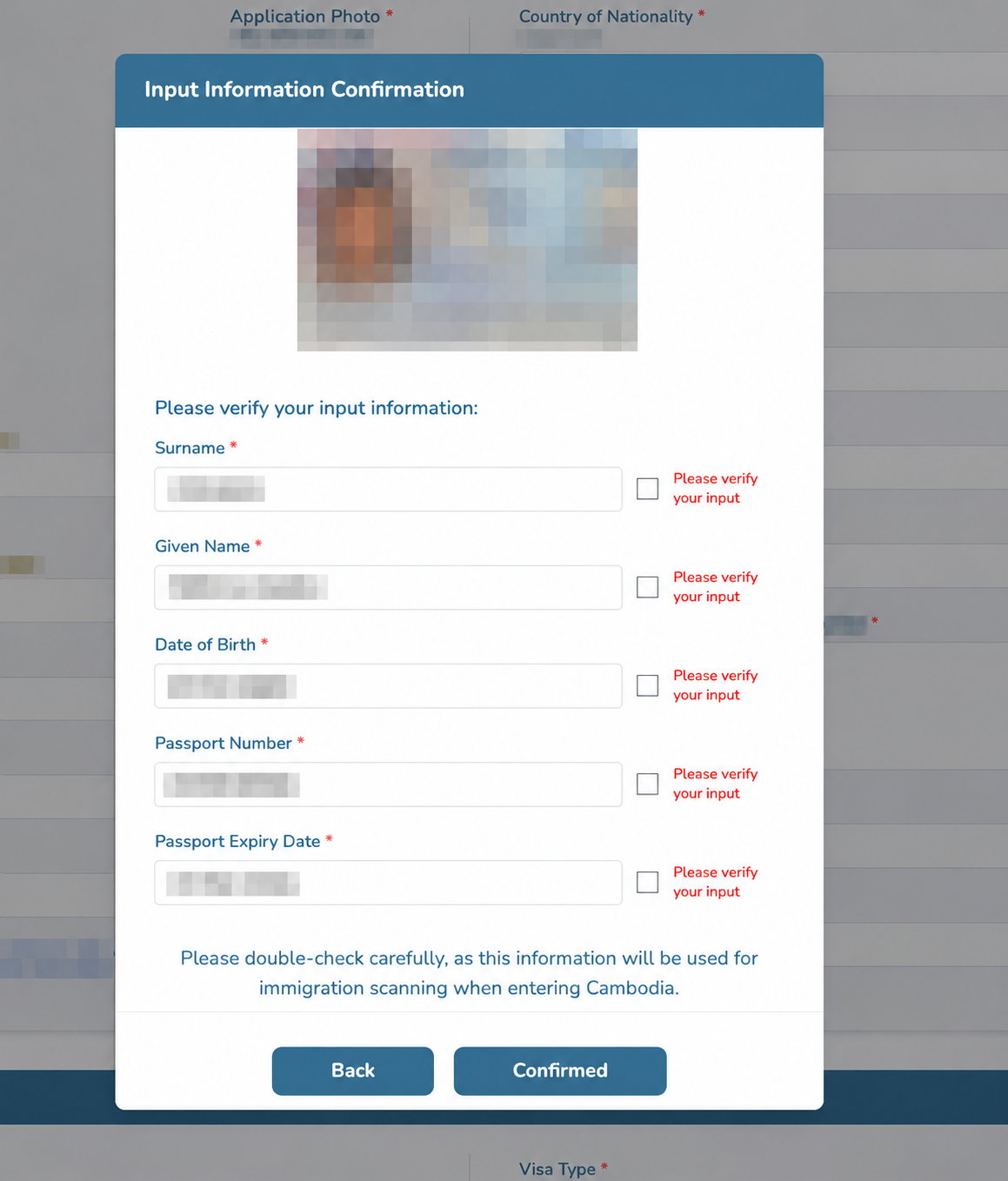
5.) Enter Passport Information
Fill in your:
-
Passport Number
-
Issuing Country
-
Passport Type
-
Passport Expiry Date
-
Surname
*Make sure these details exactly match your passport.

6.) Enter Personal Information
Provide your:
-
First & Middle Name(s)
-
Gender
-
Date of Birth
-
Birth Country
-
Occupation
*Again, enter these details exactly as shown in your passport. For Occupation, you can select “Other” and type in your job title or “Retired.”

7.) Upload Passport Information Page
Upload a clear photo or scan of the information page of your passport.
8.) Enter Your Phone Number
Enter your phone number. Select your country code first. Click “Next.”
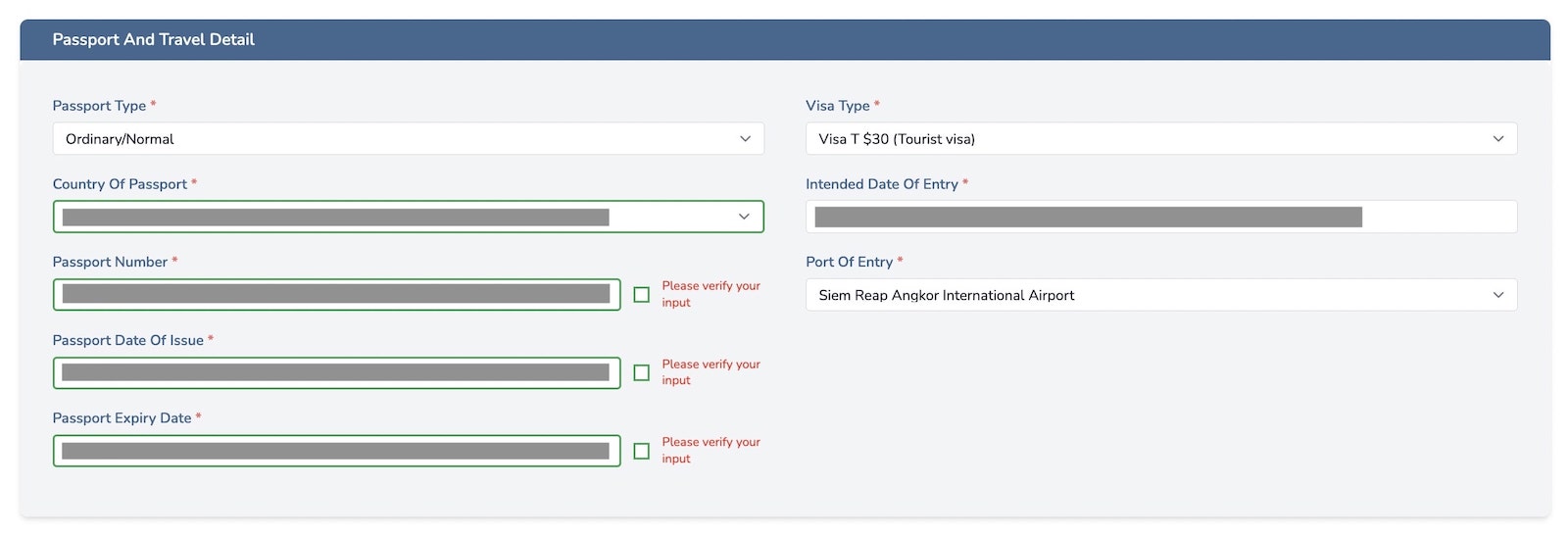
9.) Enter Your Email and Visa Info
-
Enter your email address.
-
Review your Issuing Country and Passport Type.
-
If you already have an e-visa, check “Already has a visa” and “Valid e-Visa.”
-
If you plan to get a Visa-on-Arrival instead, leave those boxes unchecked.
Click “Next.”


10.) Enter Your Arrival & Departure Dates
Select your Date of Arrival and Date of Departure from Cambodia. Click “Next.”
Remember: You can only submit this form within 7 days of your arrival.
*If you’re on a Globe Drifters trip, we’ll send you your arrival and departure dates.

11.) Enter Travel Details
Provide:
-
Port of Entry
-
Travel Purpose
-
Type of Air Transport
-
Flight Number
*If you’re on a Globe Drifters trip, your Port of Entry will usually be “Siem Reap Angkor International Airport (SAI),” and we’ll send you your flight number. Most travelers select “Holiday/Pleasure/Vacation” for Travel Purpose and “Commercial” for Type of Air Transport.

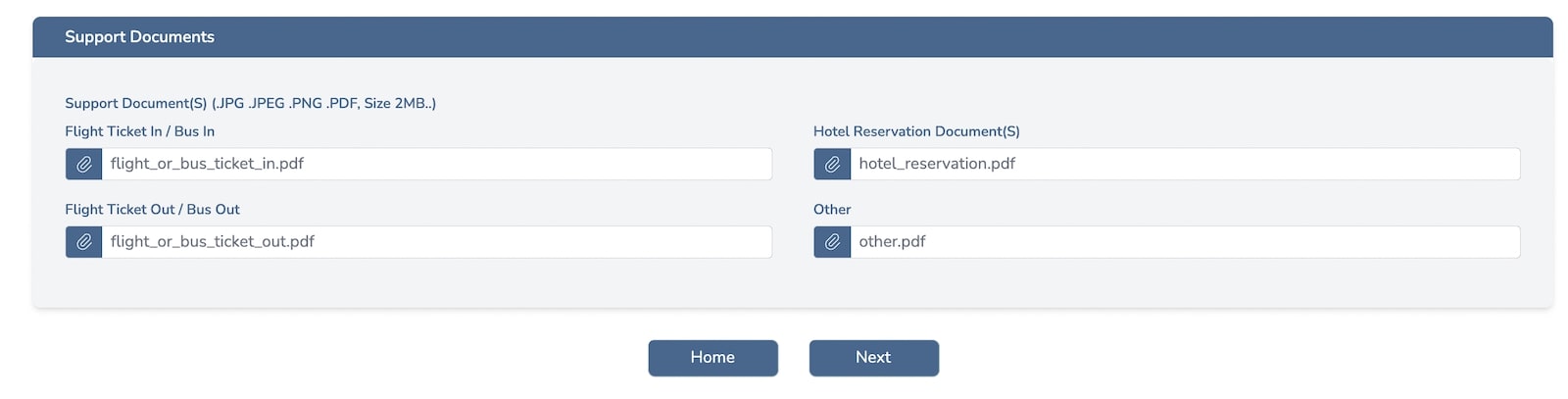
12.) Skip Flight Ticket Upload
Click “Next.”
Uploading your flight ticket documents is optional and not required.

13.) Enter Accommodation Details
Fill in your:
-
Accommodation Type
-
Hotel Name
-
Hotel Contact Number
-
Hotel Province
The hotel address is not required. Click “Next.”
If you’re on a Globe Drifters trip, we’ll provide all the details you need. Most travelers select “Hotel” for Accommodation Type.

14.) Enter Travel Route Before and After Cambodia
Provide:
-
City you’re coming from before arriving in Cambodia
-
City you’re traveling to after leaving Cambodia
Click “Next.”
For Globe Drifters travelers, your Port of Embarkation before Cambodia will often be “Danang, Vietnam.” Your Port of Disembarkation after Cambodia will be the next city on your itinerary, found in your flight details.

15.) Complete Health Information
Answer the questions in the Health Information section. Click “Next.”
16.) Review Customs Declaration
Review the duty-free allowances. Select Yes or No for each question. Check the box next to:
“I hereby confirm that all the statements in this declaration are true and correct.”
Click “Next.”


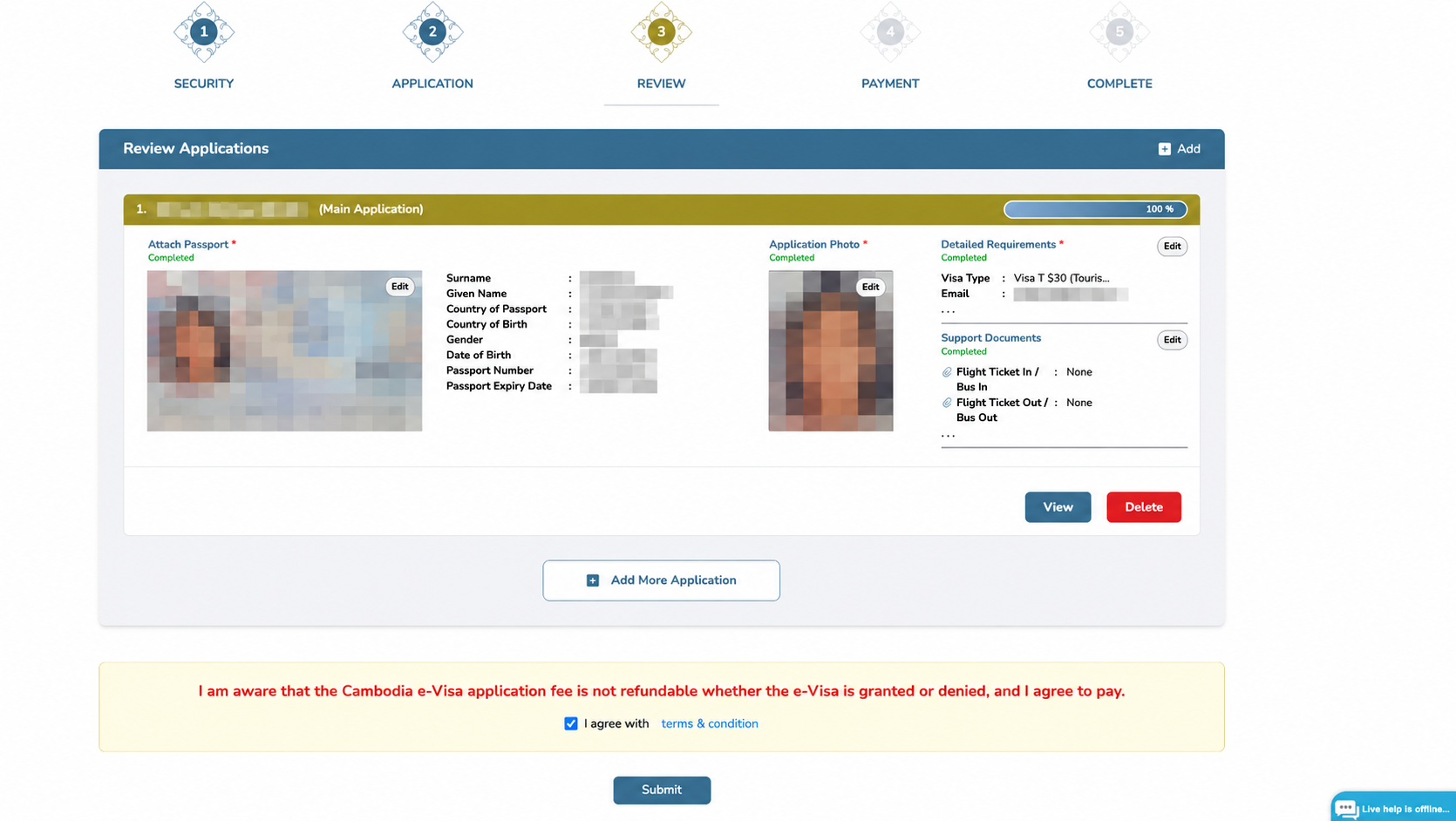
17.) Review and Agree to the Declaration
Read the declaration carefully. Check the box:
“I have read and agreed to the declaration.”
Click “Submit.”


18.) Save and Print Your QR Code
After submission:
✅ Print a paper copy of your Cambodia e-Arrival Card QR code.
✅ Save a digital copy on your phone.
Your QR code and your visa (either e-visa or visa-on-arrival) are required to enter Cambodia. Having both documents ready will help speed up your arrival process. Print a copy of each and save a copy of each on your phone, just in case!

With this complete guide to obtaining your Cambodia e-Arrival Card, plus your visa arrangements, you’ll avoid long lines and enjoy a smoother entry into this beautiful country. Happy travels!